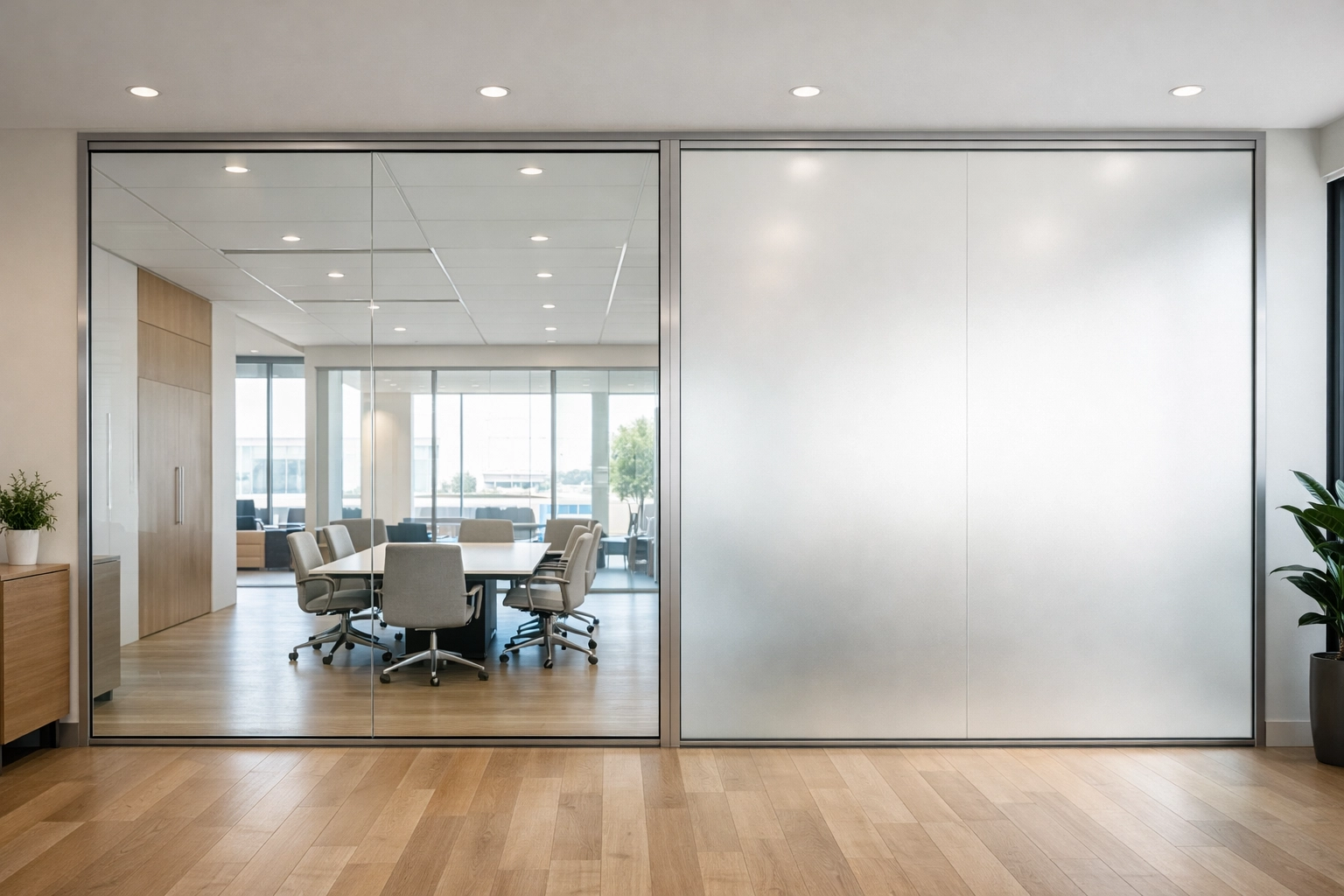
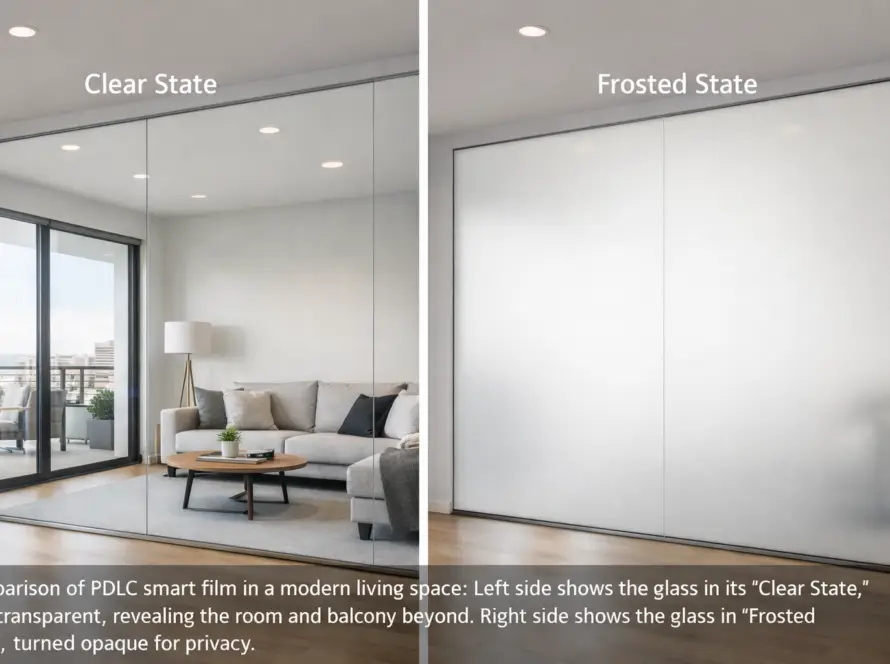
You're sitting in a conference room with glass walls. Everyone walking by can see your presentation slides, your client meeting, or that awkward performance review. You wish you could just flip a switch and make the glass frosted, instantly.
Good news: you can. That's exactly what switchable smart film does, and it's way simpler than you think.
If you manage an office in Los Angeles and you're tired of dealing with broken blinds, privacy complaints, or that one meeting room that turns into a greenhouse every afternoon, this tech might be your new best friend. Let's break down how smart film works in three minutes flat, no engineering degree required.
🔬 The Simple Science: What's Actually Happening Inside the Glass?
Here's the magic: smart film uses liquid crystals that change transparency when you apply or remove electrical power. Think of it like an electronic blind that lives inside your glass.
The film itself is a thin, self-adhesive layer that you apply directly onto your existing windows, doors, or glass partitions. No need to rip out your current glass and start over, this is a retrofit solution that works with what you already have.
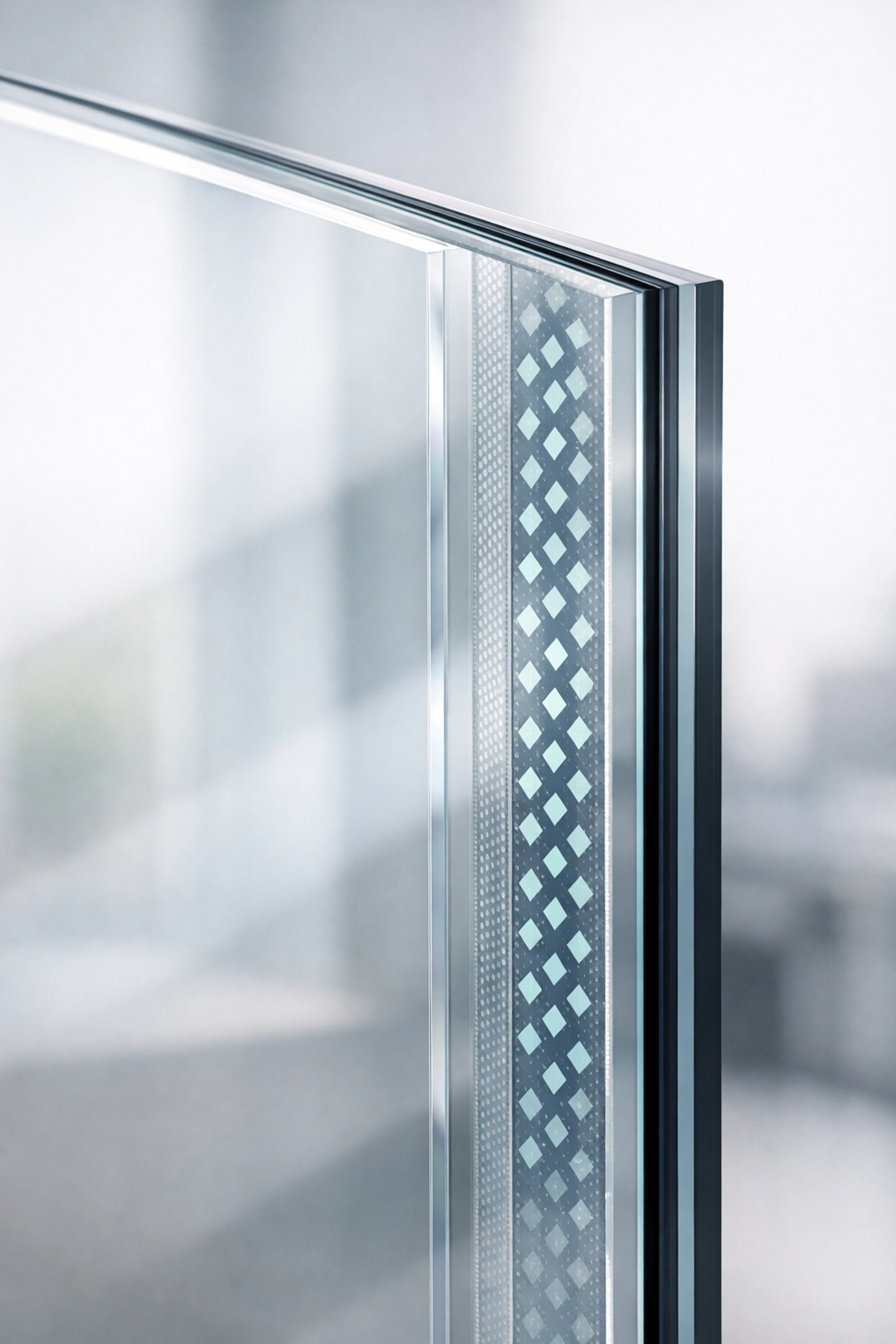
Inside that film are millions of tiny liquid crystal molecules suspended in a polymer matrix, sandwiched between two layers of transparent conductive coating. When you flip the switch (or tap your phone), here's what happens:
Power ON = Clear Glass
When electricity flows through the film, those liquid crystals align in neat, parallel rows. Light passes straight through, and your glass becomes completely transparent. You get full visibility, natural light, and that sleek modern office vibe.
Power OFF = Frosted Privacy
Cut the power, and the crystals scatter randomly in every direction. Light can't pass through cleanly anymore, it bounces around, making the glass look frosted or opaque. Instant privacy. No curtains, no blinds, no mechanical parts to break.
The whole transition happens in less than a second. It's basically an on/off light switch for your glass walls.
🏢 Real Transformation: See It in Action
Want to see what this looks like in real life? Check out this conference room installation we completed in Los Angeles. Same glass panel, two totally different privacy settings:
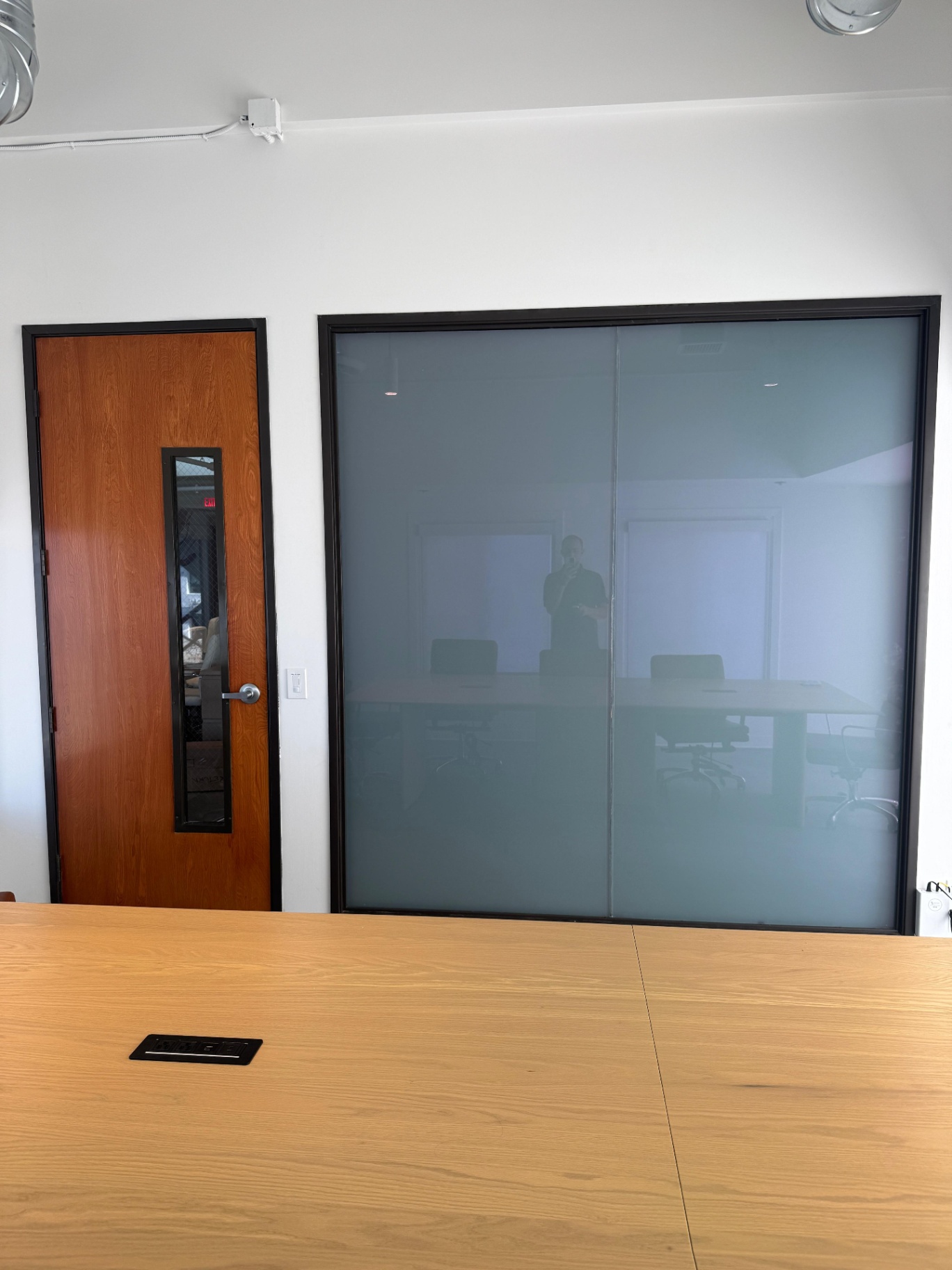
Power OFF: The Smart View switchable film is in frosted mode, giving this conference room instant privacy for sensitive meetings. Notice how natural light still fills the space, you're not sitting in a dark cave.
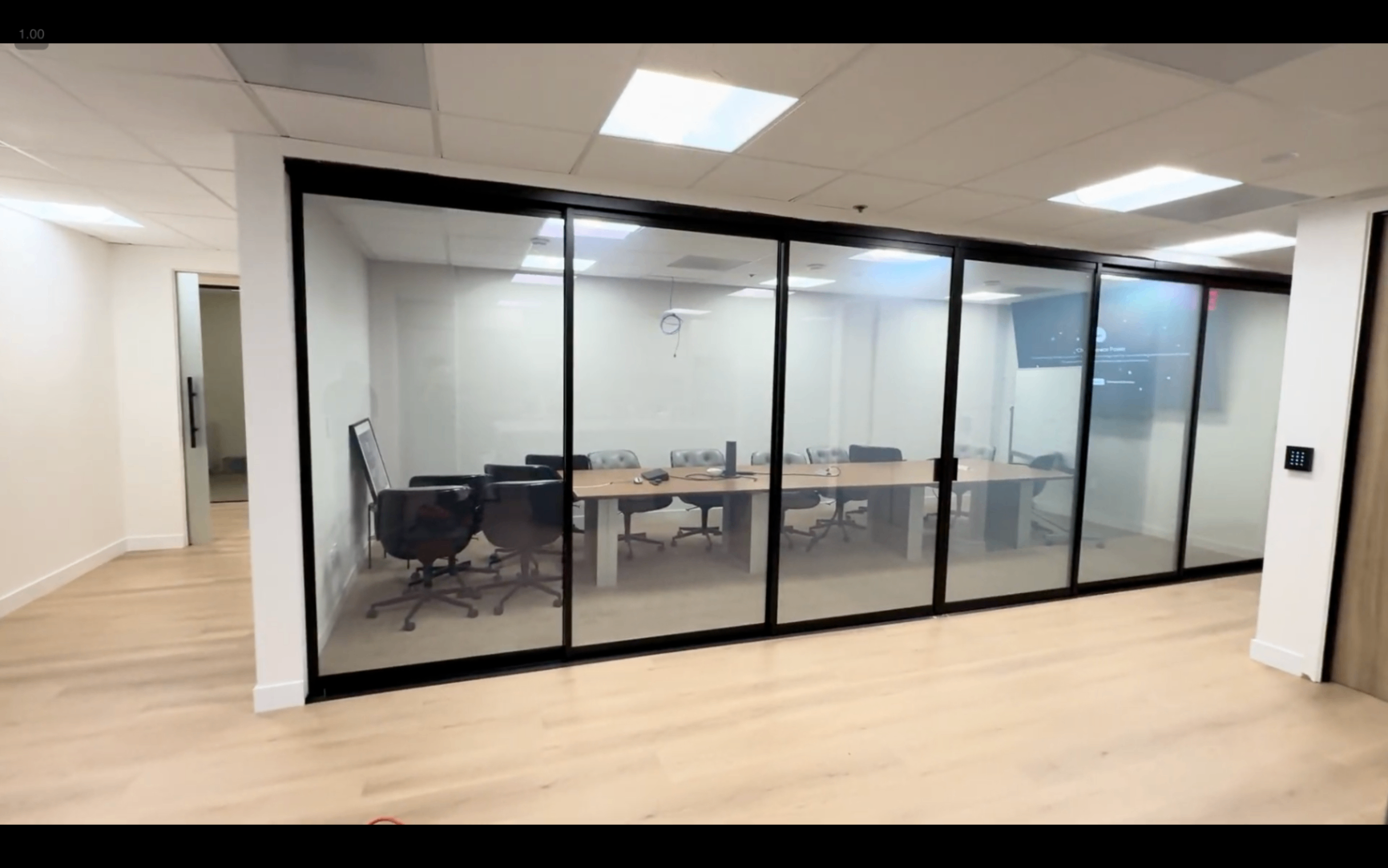
Power ON: Same glass, but now it's clear. Perfect for open collaboration, presentations with external monitors visible, or when you just want the space to feel bigger and more connected to the rest of the office.
This is a 60-square-foot glass partition that went from "everyone can see everything" to "private meeting zone" with zero construction, zero window replacement, and zero ongoing maintenance headaches.
✅ Why Office Managers Actually Love This Technology
Let's talk about what this means for your day-to-day life managing office space:
Privacy Control Without the Drama
No more hunting down facilities to fix broken blinds. No more strings tangled or stuck halfway. No more "hey, can someone close the blinds?" interruptions during meetings. You literally flip a switch (or schedule it to happen automatically) and you're done.
Energy Savings You Can Actually Measure
Switchable privacy film blocks up to 99% of UV rays and rejects a significant portion of infrared heat. That means your HVAC system isn't working overtime to cool down glass-walled conference rooms that turn into ovens every afternoon. We've seen clients in Los Angeles cut cooling costs by 20-30% in rooms with heavy sun exposure.
Your Furniture Stops Fading
That expensive Herman Miller conference table? The artwork in the lobby? UV rays destroy all of it over time. Smart film acts as a permanent UV shield, whether the glass is clear or frosted. You're protecting your investment in office furnishings without doing anything extra.
It Integrates With Smart Building Systems
Got a building management system? Smart film can plug right into it. Schedule your conference rooms to go frosted during peak meeting hours. Trigger privacy mode automatically when someone books the room on Outlook. Connect it to motion sensors, timers, or even voice control systems like Alexa for Business.
Want to get nerdy about control options? We've got a whole guide on how to control your smart glass: touch panels, remotes, apps, dimmer switches, you name it.
🛠️ Installation: Easier Than You Think
Here's what surprises most office managers: you don't replace your glass. We're talking retrofit installation on your existing windows and partitions.
The process looks like this:
1. Clean and Prep the Glass
We thoroughly clean the glass surface to ensure perfect adhesion. No shortcuts here: any dust or residue will show up later.
2. Apply the Film
The PDLC smart film has a self-adhesive backing. We carefully apply it to the glass, smoothing out any air bubbles and trimming edges for a seamless, edge-to-edge finish.
3. Connect the Power
The film needs a low-voltage electrical connection: usually 48-65V AC. We wire it to a transformer and connect your chosen control system (wall switch, remote, app, building automation, whatever you prefer).
4. Test and Done
We flip it on and off a few times to make sure everything's working perfectly, and you're good to go. Most installations take 1-3 hours per panel, depending on size and complexity.
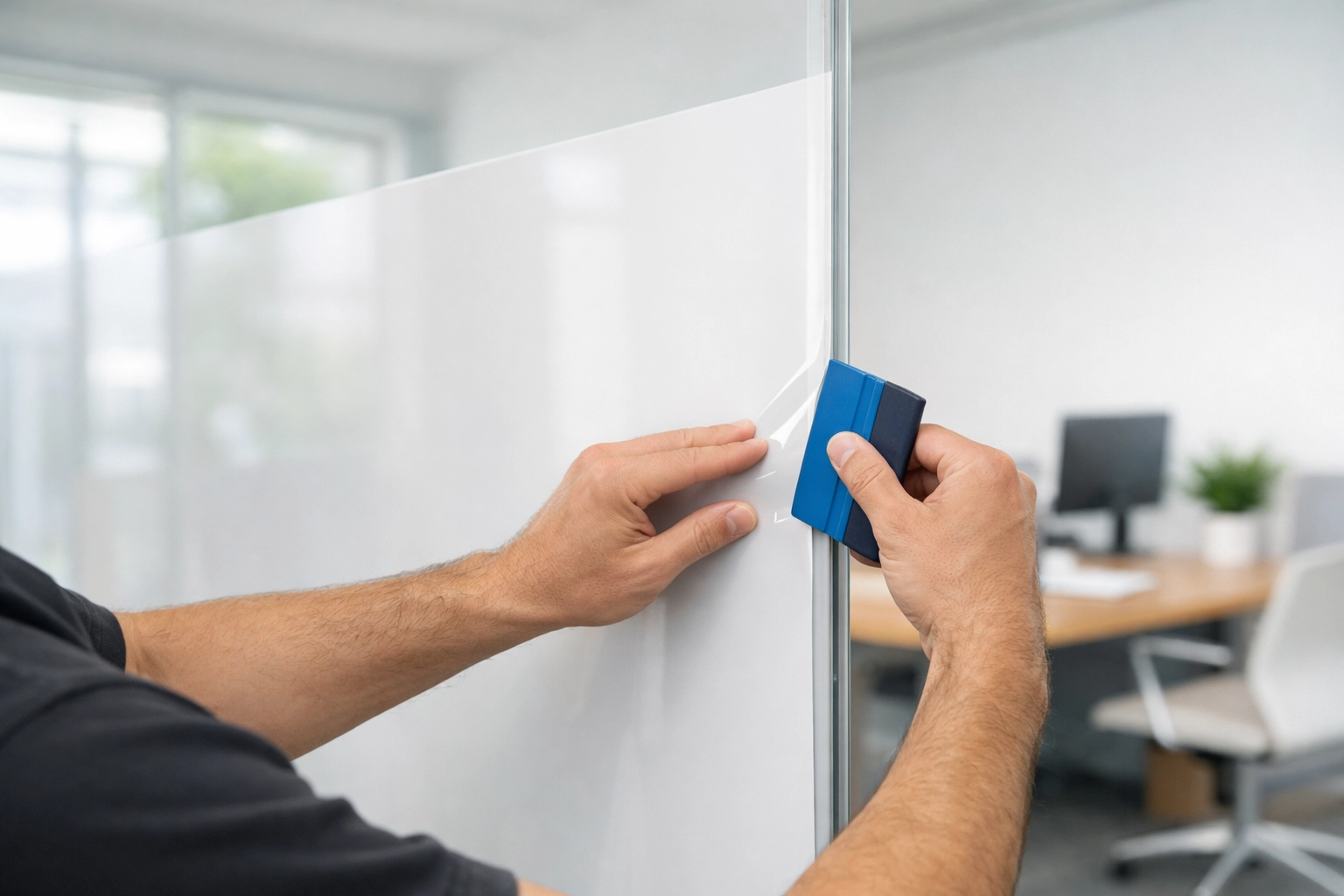
Total downtime for your office? Minimal. We typically schedule installations during off-hours or weekends if you need zero disruption.
Want to explore retrofit options for your specific space? Check out our smart film installation services tailored for Los Angeles offices.
💡 Common Questions Office Managers Ask
"What if the power goes out?"
Good question. When there's no power, the film defaults to frosted (private). So if your building loses electricity, your confidential meetings stay confidential. Some clients prefer this; others want clear-by-default and can request that configuration.
"Does it block all the light?"
Nope. Even in frosted mode, smart film lets plenty of natural light through: it just diffuses it. You're not turning your conference room into a dungeon. You're getting soft, even lighting without harsh glare or direct visibility.
"How much does it cost to run?"
Barely anything. The power consumption is minimal: about 5 watts per square meter when it's ON (clear mode). When it's OFF (frosted), it uses zero power. You're looking at pennies per month, not a meaningful addition to your electricity bill.
"Can people hear through it?"
Smart film doesn't add significant soundproofing on its own, but it does add a layer that can slightly reduce noise transmission. If sound privacy is a priority, we can combine smart film with acoustic glass solutions.
🏆 Smart Film vs. Traditional Blinds: No Contest
Let's be honest: traditional blinds and curtains are a pain. They break. They collect dust. They look dated within a year. Someone always leaves them half-open in a weird position. And they do absolutely nothing for energy efficiency or UV protection.
Switchable smart film gives you:
- ✅ Instant privacy without mechanical parts that break
- ✅ UV protection that preserves your furniture and finishes
- ✅ Energy savings from heat rejection
- ✅ Modern aesthetic that impresses clients and employees
- ✅ Zero maintenance beyond occasional glass cleaning
Winner? Not even close.
📞 Ready to Upgrade Your Office Glass?
If you manage office space in Los Angeles and you're tired of privacy complaints, broken blinds, or sky-high cooling bills, smart film might be exactly what you need. It's simpler than you think, faster to install than you'd expect, and pays for itself in energy savings and reduced maintenance headaches.
Want to see how it would look in your specific space? We offer free consultations and can show you real-world examples from offices across LA, Ventura, Orange, and San Diego counties.
👉 Get started here: Contact Smart View Smart Film Solutions or explore our full range of smart glass services.
Your conference rooms (and your facilities budget) will thank you.